
A Complete Guide to Video Production
Introduction to Video Production
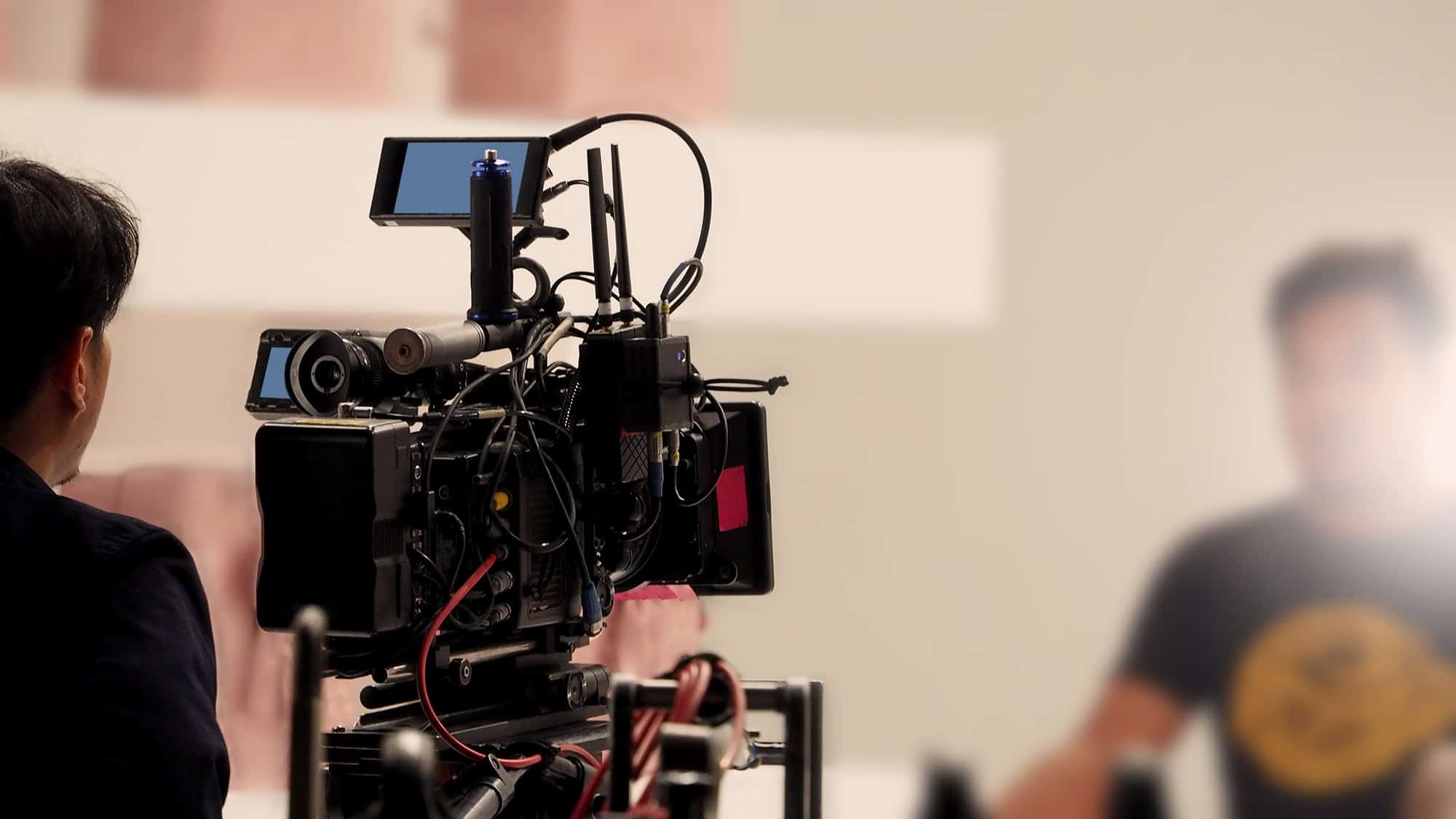
Video production is an exciting and powerful way to tell stories, market products, and connect with an audience. But it’s not just about having the best camera or the biggest setup—it’s about efficiency, creativity, and knowing what truly matters.
I prefer simpler setups that are practical and effective. Rather than bringing in bulky 50-lb lights, massive tripods, and excessive sandbags,
I use portable, high-quality lights, a lightweight teleprompter, and compact stands. My goal is to minimize impact on the environment and the people around me while still delivering stunning visuals.
Understanding the Basics of Video Production
What is Video Production?
The video production definition is simple: It’s the process of creating a video, from concept to final edit. It includes pre-production (planning), production (shooting audiovisual content), and post-production (editing and finishing touches).
Why is Video Production Important?
High-quality videography production is essential in today’s digital world. It helps businesses market products, train employees, and engage audiences. Whether for social media, TV, or internal company use, shooting high-quality videos makes all the difference.
The 3 Stages of Video Production
Pre-Production: Planning Your Video
Before the cameras roll, planning is crucial. I always ask:
- Who is the target audience?
- What is the purpose of this video?
- How can we film it efficiently while keeping the setup lightweight?
Production: Shooting High-Quality Videos
This is the phase where the actual video filming happens. While many people think you need huge cameras and massive gear, that’s not always the case. I prioritize:
- Portable teleprompters for efficiency
- Compact but powerful lighting to avoid overcomplicated setups
- Lightweight tripods that are easy to adjust
Not only does this approach save time, but it also allows for faster repositioning and better adaptability—which is crucial for real-world shoots.
Post-Production: Editing and Finishing Touches
This is where creativity really shines. The challenge? Keeping viewers engaged. I believe even a corporate video needs a strong visual hook to hold attention.
- I experiment with unique transitions, dynamic text overlays, and eye-catching color grading.
- I use quick cuts to match today’s fast-paced viewing habits.
- I eliminate unnecessary fluff—every second of a video should serve a purpose.

Tools and Equipment for Video Production
Essential Equipment for Shooting Videos
Forget the bulky and excessive gear. My approach is about efficiency:
- DSLR or mirrorless cameras for high-quality yet compact shooting
- Portable LED panels instead of massive lighting rigs
- Handheld stabilizers instead of heavy-duty tripods
- Small lavalier or shotgun microphones for crisp, professional sound
Video Editing Software for Beginners and Professionals
The video making process isn’t complete without editing. Depending on the project, I use:
- Adobe Premiere Pro or Final Cut Pro for high-end productions
- DaVinci Resolve for advanced color grading
- CapCut or iMovie for quick social media edits
Audio Equipment for High-Quality Sound
Good video production isn’t just about visuals—sound quality is equally important. I use:
- Lavalier microphones for interviews
- Shotgun mics for directional audio pickup
- Portable audio recorders for backup sound
Video Production Techniques for High-Quality Content
Storyboarding and Scripting for Better Storytelling
Even with a simple videography shoot, a clear script and storyboard make a huge difference. Planning camera angles, dialogue, and shot sequences ensures a smooth filming process.
Lighting Techniques to Enhance Video Quality
Rather than using massive overhead softboxes, I go for:
- Portable LED lights that are adjustable and easy to carry
- Bounce boards to create soft, natural light
- Minimalist lighting setups that work in almost any environment
Camera Movements and Angles for Professional Results
Dynamic camera work keeps a video engaging. Some techniques I use include:
- Slow pans and tilts for cinematic movement
- Handheld shots with stabilizers for a natural feel
- Close-ups and cutaways for emotional impact
Post-Production Essentials
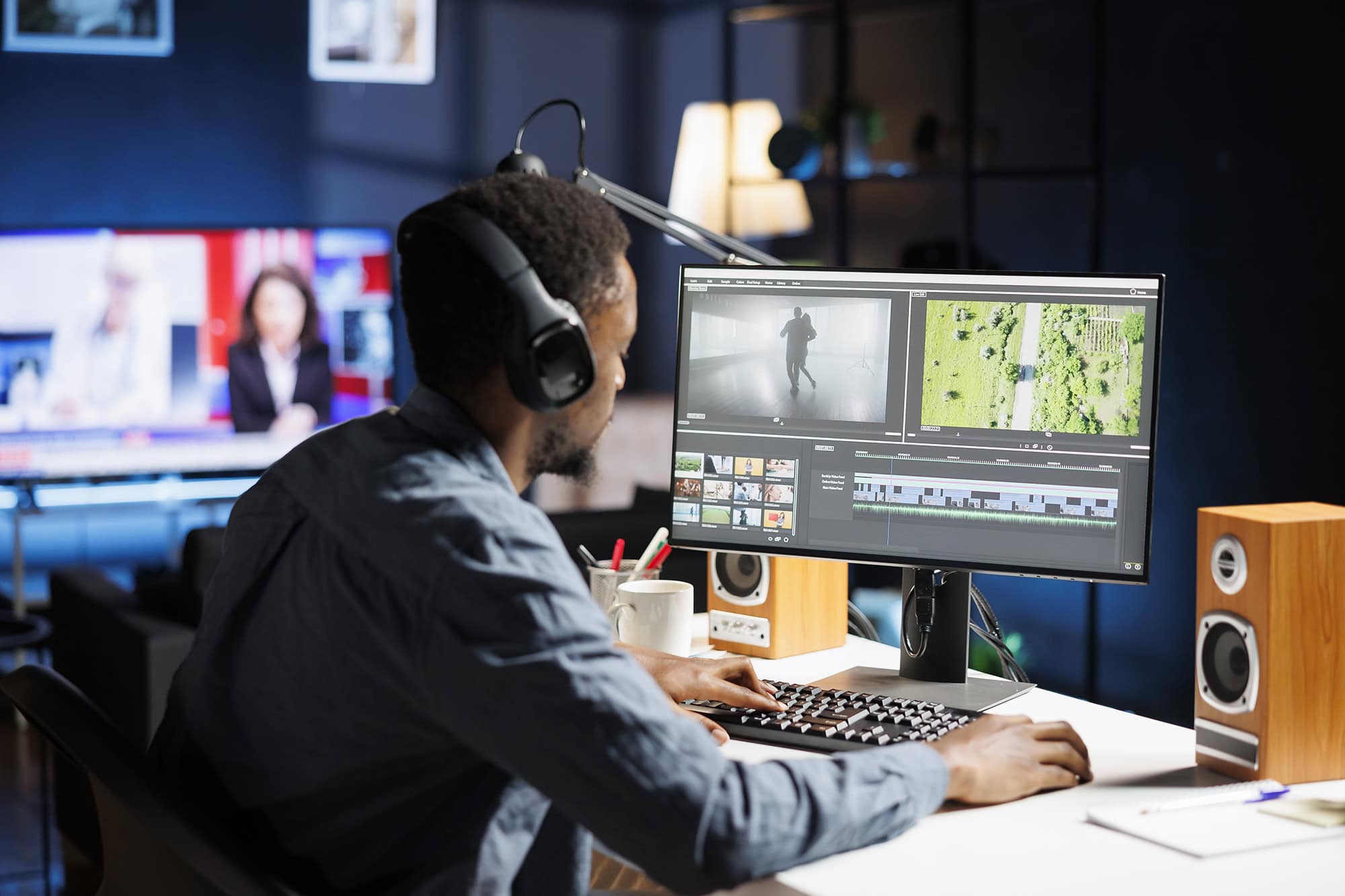
Video Editing Workflow and Techniques
To create engaging content, I focus on:
- Cutting unnecessary footage to maintain pace
- Adding smooth transitions for seamless storytelling
- Using bold typography and graphics to reinforce key points
Adding Visual Effects and Graphics
I keep effects minimal but impactful—too much can be distracting. Well-placed motion graphics, lower thirds, and overlays help make the video look polished.
Optimizing Audio in Post-Production
Audio cleanup is crucial. I use software to:
- Remove background noise
- Balance voice levels
- Enhance dialogue clarity
Best Practices for Successful Video Production
Planning Your Video Content for the Target Audience
Before shooting, I define:
- Who will watch this?
- What message should they take away?
- What’s the best way to keep their attention?
For example, before creating marketing collateral for a venue, I always ask these key questions to ensure the content is intentional and effectively achieves the desired marketing results.
Avoiding Common Mistakes in Video Production
Video production is full of potential pitfalls, and even experienced videographers make mistakes that can ruin a shoot.
One of the common mistakes in video production is overcomplicating the setup. Using massive tripods, heavy lights, and unnecessary gear only slows down the videography process. Simplicity is often the key to efficiency.
Furthermore, common pitfalls include inadequate planning, poor audio quality, and neglecting lighting. Being mindful of these aspects can prevent issues that detract from the video’s professionalism.
Another huge (huuuge) issue is overexposed footage—unlike underexposure, which can sometimes be corrected, blown-out highlights are often impossible to recover in post.
Let’s talk about the next common mistake — improper gimbal calibration. Such filming will results in tilted footage that looks unprofessional and difficult to fix later.
Audio failures are also frequent, such as plugging in a microphone but forgetting to turn it on –leading to an unusable silent recording.
Framing mistakes can also cause trouble, especially when shooting in 1080P without leaving room to crop — unlike 4K footage, 1080P doesn’t offer much flexibility in post.
Aaaand of course…misplaced focus can make a video unusable, whether from selecting the wrong focus point or using an incorrect autofocus mode.
Equipment-related mistakes can be just as frustrating: relying solely on a gimbal without a tripod can be exhausting, especially for long speeches or presentations.
And yes, even pros sometimes forget to hit the record button — it happens more often than we’d like to admit!
Running out of power is another disaster, as modern cameras burn through batteries quickly, particularly mirrorless models with LED screens always on.
Not recording to dual memory slots is another major risk — if a card fails, you could lose everything without a backup.
Finally, not bringing a backup camera or essential equipment can turn a minor technical failure into a complete shoot disaster. Proper preparation and a checklist can prevent these common mistakes, ensuring a smooth, stress-free production.
Tips for Consistent and Engaging Video Quality
I always try new approaches in post-production to stay ahead of trends. Whether it’s experimenting with new color grades, unique transitions, or text animations, every video should have a fresh, modern feel.
Understanding Video Resolution
When choosing a video resolution, it’s essential to understand the differences between 1080P (Full HD), 4K (Ultra HD), and 8K in terms of file size, image quality, and post-production flexibility. 1080P (1920×1080 pixels) remains the standard for most online content and live streaming, offering a balance between quality and manageable file sizes.
4K (3840×2160 pixels) provides four times the resolution of 1080P, delivering sharper details and better color depth, which is ideal for high-end productions and allows for cropping, zooming, or stabilizing footage without significant quality loss. However, 4K files are much larger, requiring more storage and processing power.
8K (7680×4320 pixels) pushes resolution even further, offering an incredibly detailed image, but it comes with massive file sizes and higher hardware demands, making it practical mostly for high-budget films, VR applications, or future-proofing content.
Admittedly, in post-production, higher resolutions allow for more creative flexibility, such as reframing shots, downscaling for cleaner images, or extracting stills, but they also require powerful editing systems and significant storage capacity.
Understanding Technical Limits of Your Camera
When selecting a camera for extended video recording, it’s crucial to consider factors like recording time limits and potential overheating issues.
Historically, many DSLRs and some mirrorless cameras imposed a 30-minute recording cap, primarily due to tax regulations classifying devices recording longer as video cameras, which incurred higher duties. For instance, models like the Canon EOS 5D Mark IV and Canon EOS R6 adhere to this 30-minute limit.
In contrast, several modern mirrorless cameras have eliminated this restriction. The Sony α6400, introduced in 2019, offers unlimited recording time, making it suitable for lengthy sessions.
Similarly, the Panasonic Lumix GH5 provides unrestricted recording durations, catering to professional videographers.
However, extended recording can lead to overheating, especially in high-resolution modes. The Sony A7 IV, for example, has been reported to overheat after approximately 47 minutes of 4K 60fps recording, even in moderate ambient temperatures.
To mitigate this, users often adjust settings like increasing the auto power-off temperature threshold, utilize external cooling solutions, or employ external power sources to reduce internal heat buildup.
For those requiring prolonged recording without the risk of overheating, dedicated video cameras or camcorders are advisable, as they are engineered for continuous operation and better heat dissipation. Alternatively, some users opt for external recording devices, which can bypass internal recording limits and distribute processing load, thereby minimizing heat generation within the camera body.
In summary, while many DSLRs and older mirrorless cameras have recording time constraints, newer models and dedicated video equipment offer solutions for extended recording needs. It’s essential to assess specific camera capabilities and potential overheating concerns to ensure they align with your project requirements.

Video Production FAQs
-
What is the role of post-production in enhancing a video?
Post-production is where a video truly comes to life. It involves editing footage, adding music, color correction, sound design, and visual effects to create a polished final product. This stage allows for fixing mistakes, improving pacing, and adding branding elements like logos and subtitles. Even a well-shot video can look unprofessional without proper post-production, making this phase crucial for delivering high-quality content.
-
How do I shoot videos like a professional?
To shoot professional-looking videos, focus on three key aspects: lighting, composition, and stability. Use proper lighting techniques, such as three-point lighting or natural light diffusion, to make your subject stand out. Pay attention to framing and composition—follow the rule of thirds for balanced shots. Lastly, ensure stability by using a tripod, gimbal, or steady hand movements to avoid shaky footage. Investing in high-quality audio equipment also elevates video quality, as bad sound is more noticeable than slightly imperfect visuals.
What is the biggest mistake people make while creating videos?
One of the most common mistakes in video production is neglecting pre-production planning. Without a clear script, storyboard, or shot list, the filming process can become chaotic, leading to unnecessary retakes, wasted time, and inconsistent footage. Other frequent mistakes include poor audio quality, over-reliance on effects instead of strong storytelling, and failure to consider the target audience’s expectations. Planning thoroughly and focusing on storytelling ensures a smoother production process and a compelling final video.
-
What are the three P’s of video production?
Plan your shots, use different angles, capture movement, think about transitions, and shoot more than you think you need. Pay attention to lighting, composition, and how each shot fits into the final edit.
-
What is B-Roll, and why is it important in video production?
B-Roll refers to supplementary footage that enhances the main (A-Roll) content. It includes cutaway shots, background footage, and additional visuals that provide context and keep the video engaging. B-Roll is essential because it makes the video more dynamic, hides cuts or transitions, and visually reinforces the story being told. Without B-Roll, videos may feel static or choppy, so capturing extra footage during production is always a good idea.
-
What’s the best way to keep an audience engaged throughout a video?
To keep viewers engaged, focus on pacing, visuals, and storytelling. Start with a strong hook within the first few seconds to capture attention. Use varied shots, smooth transitions, and dynamic editing to keep things visually interesting. Keep the messaging concise — shorter videos often perform better, especially on social media. Additionally, use on-screen text, captions, or animated graphics to reinforce key points. Lastly, always consider your target audience’s preferences to ensure your content resonates with them.
Ready to Elevate Your Video Production?
Whether you need a skilled videographer to capture your event, a professional team to create engaging video content, or expert storytelling that blends A-roll and B-roll seamlessly – we’ve got you covered! Feel free to take a look at our video portfolio and…
…Contact us today! Fill out the form below, and we’ll get back to you ASAP to discuss your project. Let’s create something unforgettable together!